


 Currency conversion, built in

 Comino, Malta
One trip. All the tabs.
Dinners, stays and the ride there. See your shared trip expenses and settle the balance together.
 divisa
Split bills. Across currencies.
Euros on the bill. Pounds in your account. Divisa handles the conversions and shows exactly what to send.
Payment details you can save in Divisa.
 PayPal
 Venmo
Venmo Cash App
 Revolut
 Wise
Wise Monzo
MonzoOpen supported payment links or copy saved details. Transfers happen in your payment app.
Currency conversion, built in
Your account and the bill don’t need to match. Divisa calculates the split and shows your share in both currencies.
 Bill paid in EUR
€60.00
Two people. Your half is €30.00.
Your share: approximately £25.50, GBP.
Already worked out in British pounds.
No currencies found. Try a code or country.
Example rates. Try a different currency.
Mia is owed €30.00.You see the GBP equivalent and the exact EUR amount to send.
Choose how to payIllustrative rate: €1 = £0.85. Your payment provider sets the final conversion rate and any fees.
For the  “one more round”
and the  “let’s book it.”
How Divisa works
Take a photo or add a bill by hand. Check the items and total, then invite your people with a link or QR code.
Tap the people who shared each item. Split equally, by shares, by percentage or by exact amount. We handle the maths and rounding.
Divisa works out who owes whom and in which currency. See the exact amount to send, use their saved payment method, then mark it paid.

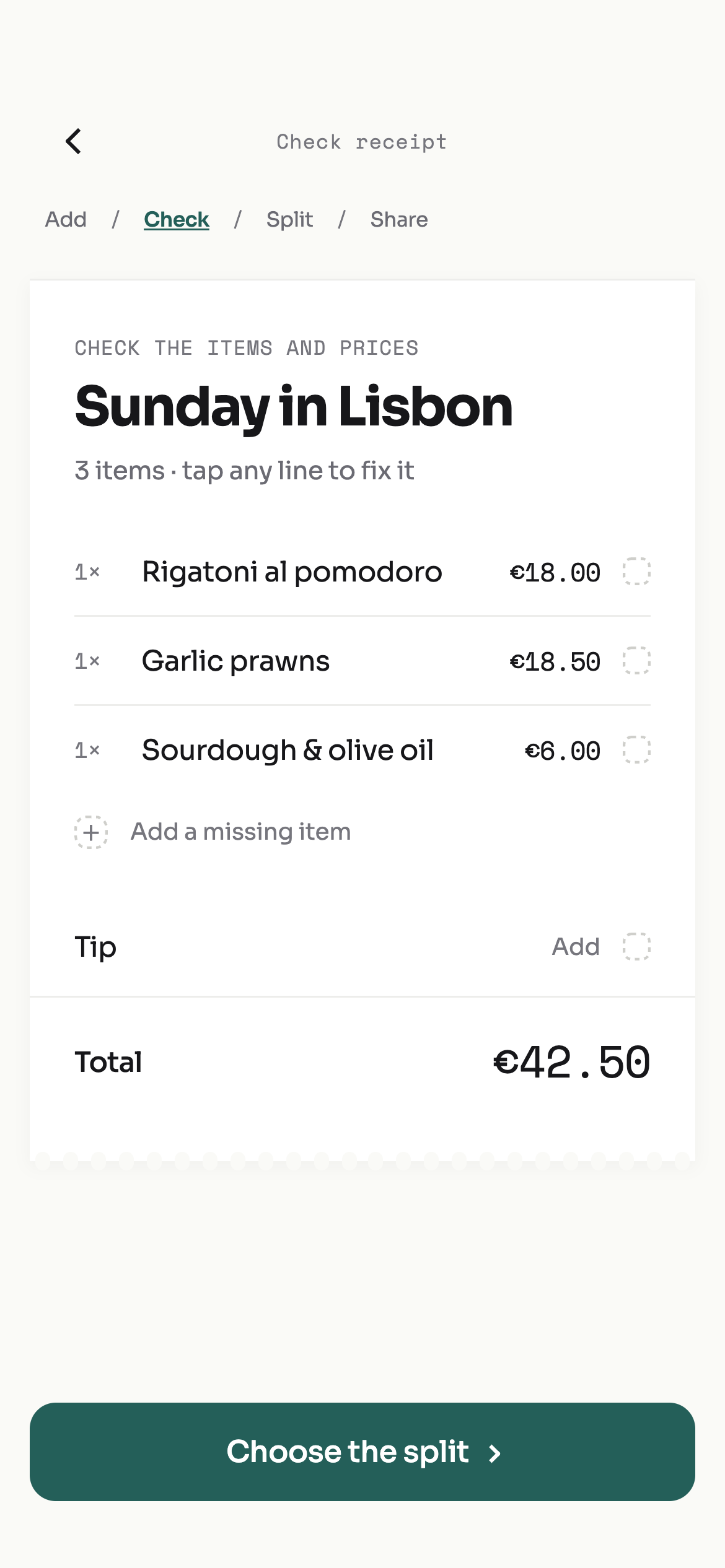

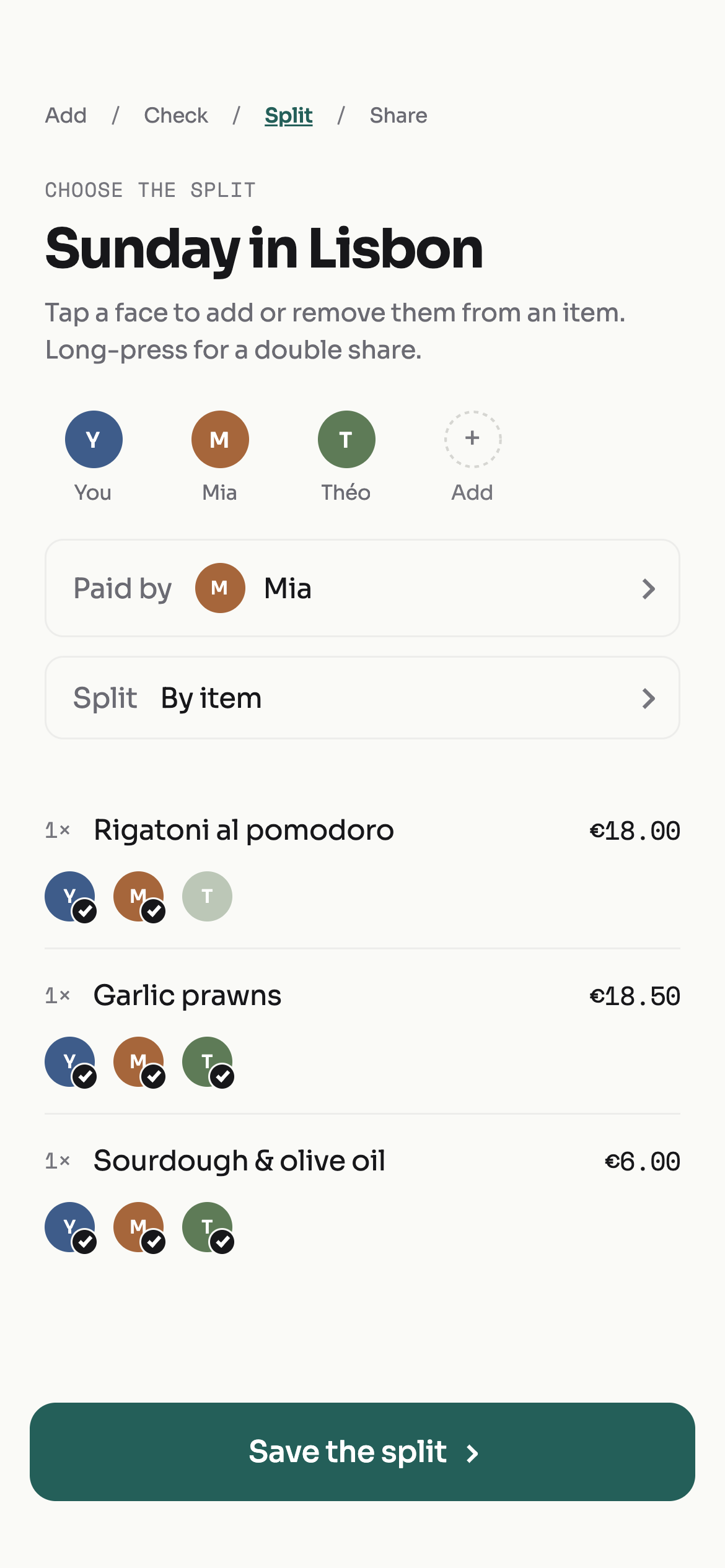

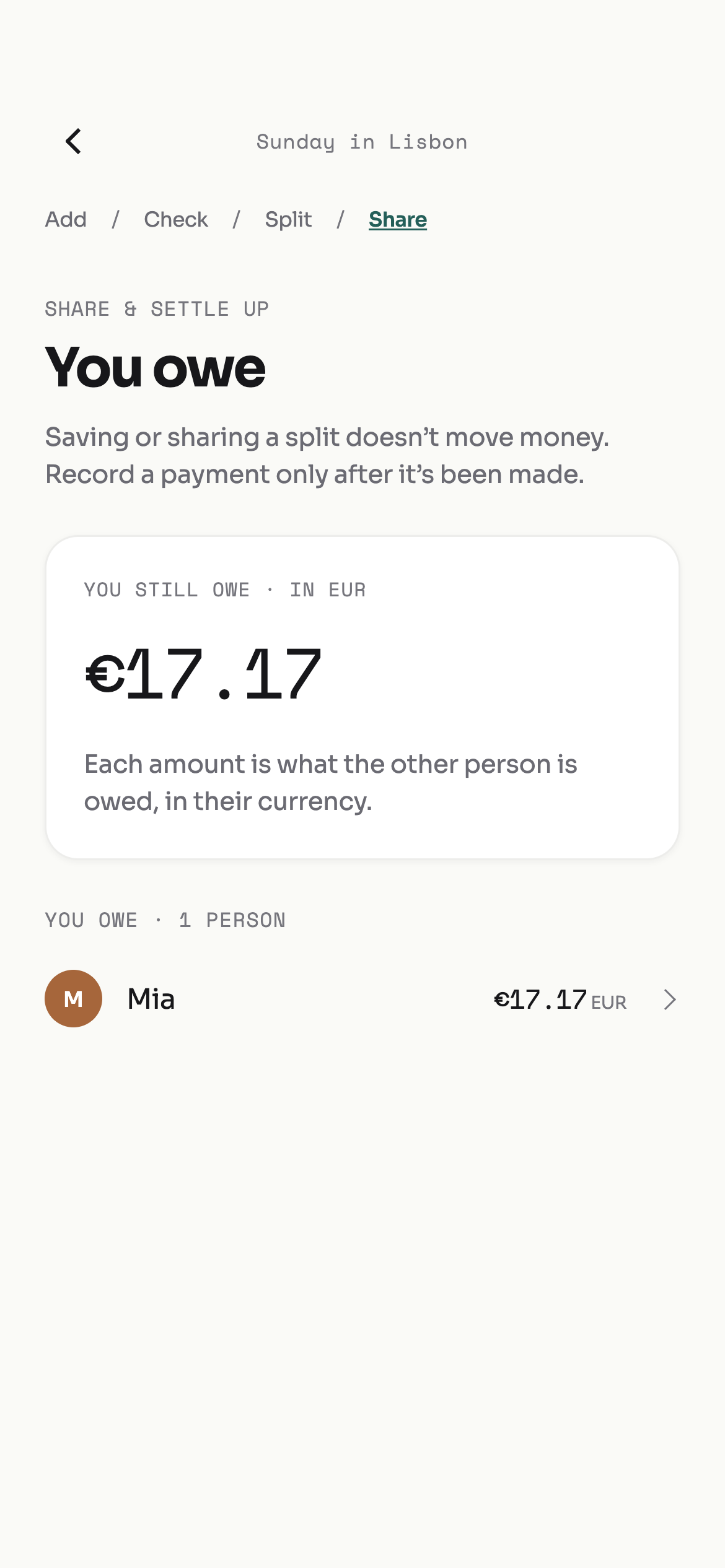
Real app screens, sample bill. Tap a phone for a closer look.
A fair split starts with who had what. Divisa calculates every share and handles the rounding, so it all adds up.
Go on, try splitting the prawns.
Try it. Tap a person to change this example split.
PayPal person? Venmo friend? Add the payment methods you already use, including bank details or your own custom option.
Add your PayPal handle. Friends can open your payment link with the amount and currency, then complete the payment with PayPal.
Add a handle. Share your details. Settle outside Divisa.
Divisa never holds or transfers your money.
From the first airport coffee to the last dinner. Keep your shared bills together, even when the currency changes along the way.

 Blue LagoonComino, MaltaCurrencyEUR €
Dinners, stays and the ride there. See your shared trip expenses and settle the balance together.
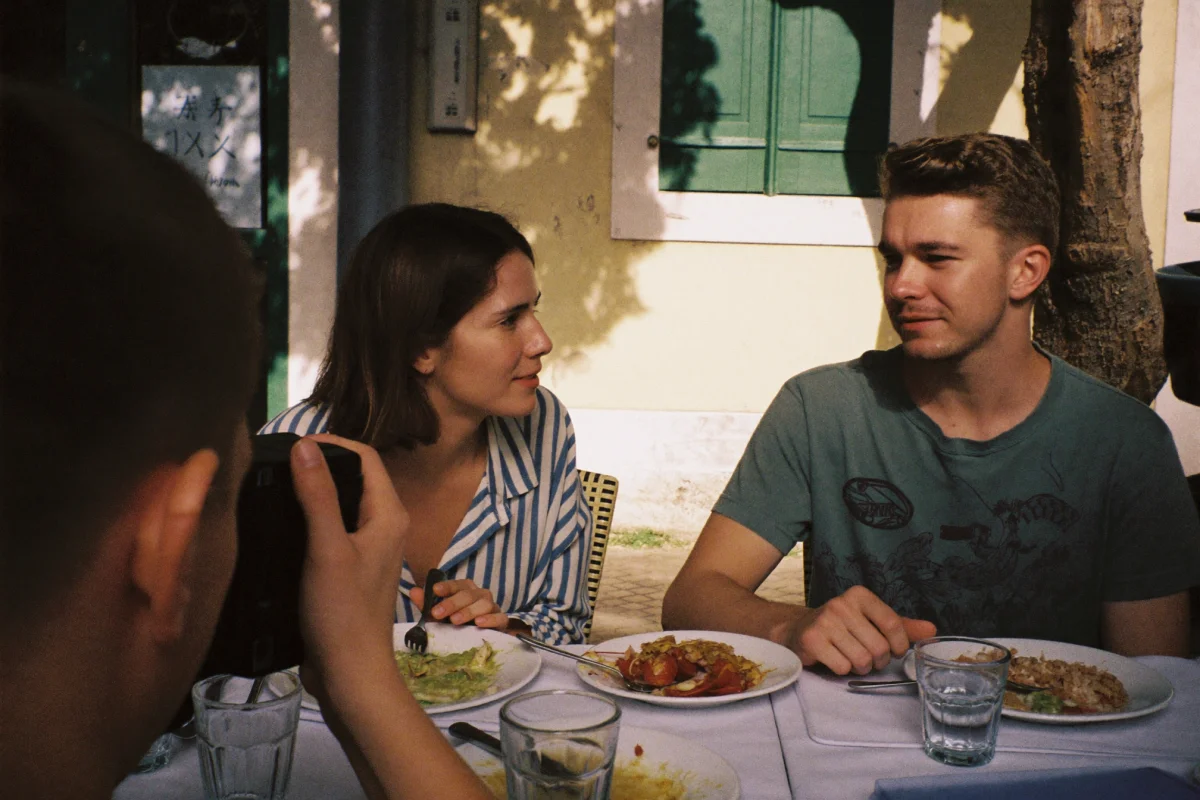
We work out what each person needs to send you, including the conversion and rounding. No calculator. No chasing the missing cents.
Send the invite to your group chat. Friends can preview the bill without an account, then join your tab as guests.
Good questions, answeredDivisa is a bill-splitting app for friends and travellers. Scan a receipt, assign items to the people who shared them, and keep track of who owes what. Group your shared expenses into a trip, too.
Yes. Assign individual items to the people who had them, or split the whole bill by shares, percentages or exact amounts. You can also choose who paid the bill.
No account is needed to preview a bill from a shared invite link. Friends can join the tab as guests in Divisa. A guest session is tied to that device until they secure their account.
Yes. You and your friends can use different currencies. Divisa handles the splits, conversions and rounding, then shows what to send in the receiver's currency using the bill or trip's saved exchange rates. The original bill stays fully accounted for. Conversion needs an available exchange rate; estimates in your own currency can differ from your payment provider's rate and fees.
Divisa tracks what people owe and helps them settle using the payment details or supported payment apps they have added. It does not hold or transfer money. After paying, mark the share as paid in Divisa.
Add PayPal, Venmo, Cash App, Monzo, Revolut, Wise, UPI, PayID, IBAN or BSB and account details. Choose Other for a custom payment method. Divisa opens supported payment links or lets friends copy your details. Link and currency support varies by provider; payments happen outside Divisa.
Yes. Create a trip, invite your people and keep its shared bills together. Divisa tracks trip balances and works out who needs to pay whom, so you can settle across the trip.